A desktop music player for your own library.
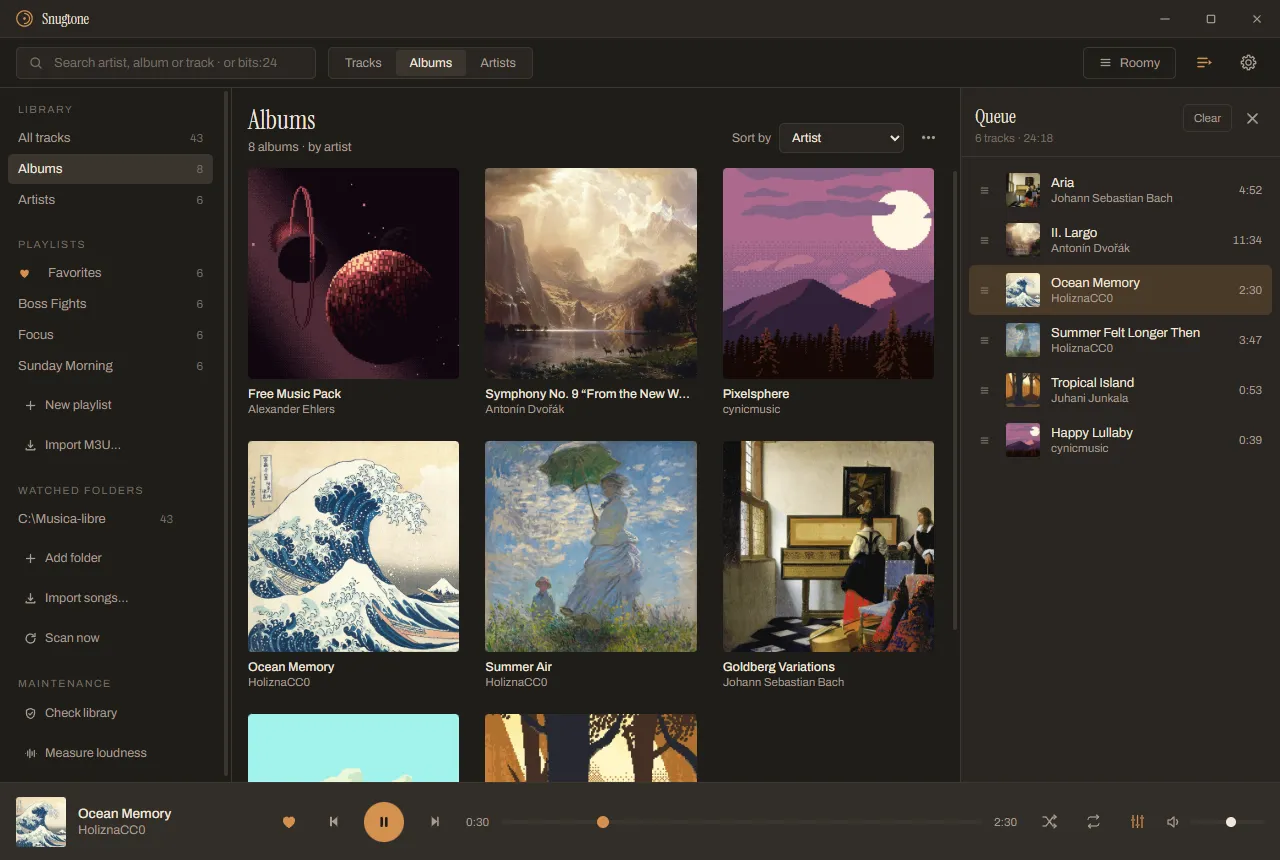

Ocean Memory HoliznaCC0
The play button works: press it.-
Aria Johann Sebastian Bach
-
II. Largo Antonín Dvořák
-
Ocean Memory HoliznaCC0
-
Summer Felt Longer Then HoliznaCC0
-
Tropical Island Juhani Junkala
-
Happy Lullaby cynicmusic
For people who keep their own music files and care that the collection is right: intact, well tagged and at the same volume. Free and open source, under the MIT license.
Download for Windows Read the code
Version 1.0.2, 9 Nov 2026. Windows only, for now.
It plays
Every album at the same volume, and no gap between tracks.
- Formats
- FLAC, MP3, Opus, WAV, AAC, ALAC, Vorbis and AIFF
- Between tracks
- Gapless
- Loudness, measured per album with EBU R128
- Within 0.04 LU of ffmpeg
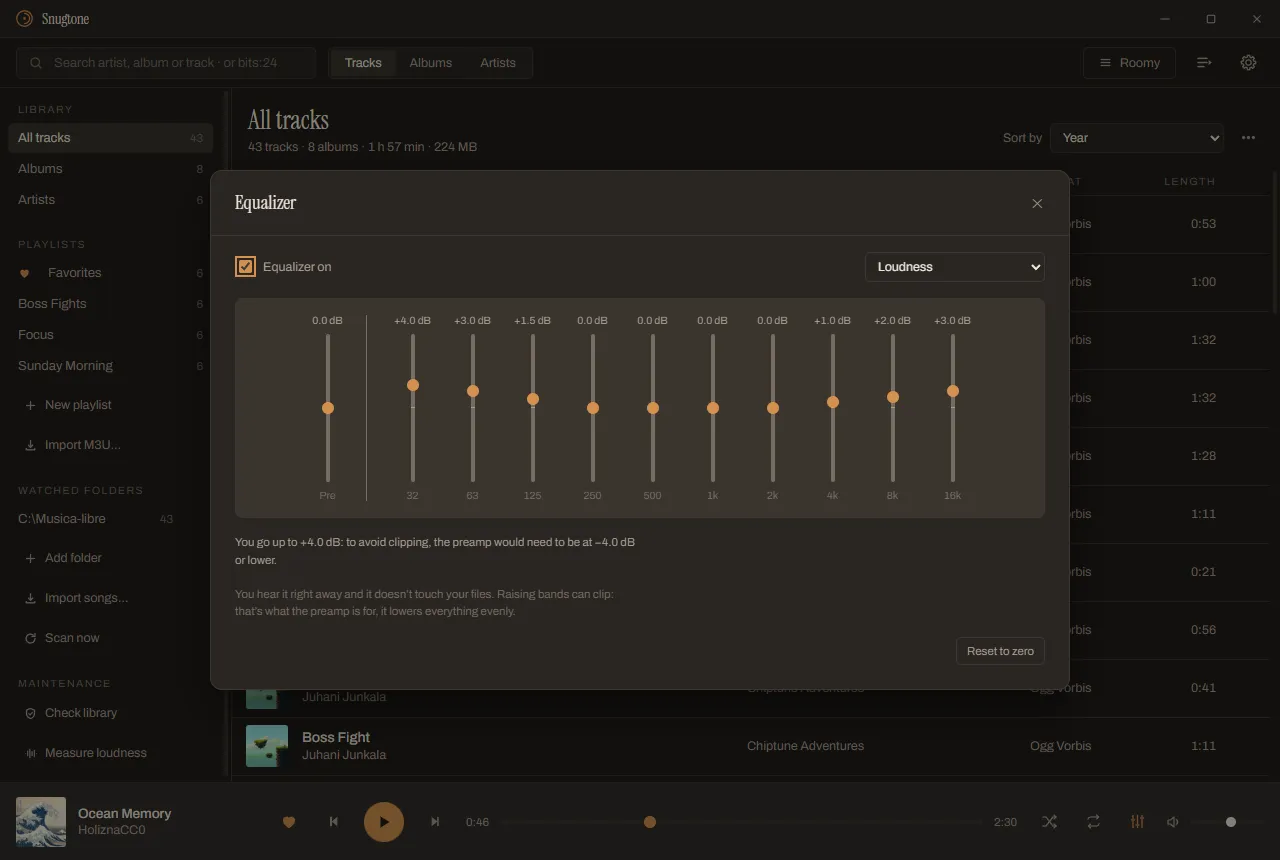
- Equalizer
- Ten bands; switched off, it doesn’t touch a single bit
- Headphones switch off mid-song
- Keeps playing from the same millisecond
It measures loudness itself, per album, so an album keeps its dynamics inside. Media keys and the Windows “now playing” card work, and it opens the way you left it, queue included, and always paused.
Hear it levelled
-
Album loudness: −15.0 LUFS Gain: 0.0 dB
-
Album loudness: −8.4 LUFS Gain: 0.0 dB
It’s fast with a big library
Measured on a real library of 9503 files and 161 GB.
- Rescan
- 0.48 s
- The list on screen
- Under a second
- The whole program
- About 230 MB of memory
- M3U export and import
- 9503 paths out, 9503 back
A file whose date and size haven’t changed isn’t even opened. Your folders are watched: copy an album in and it shows up by itself. Loose songs are dropped onto the window, brought in with Ctrl+I, or opened from the Explorer.
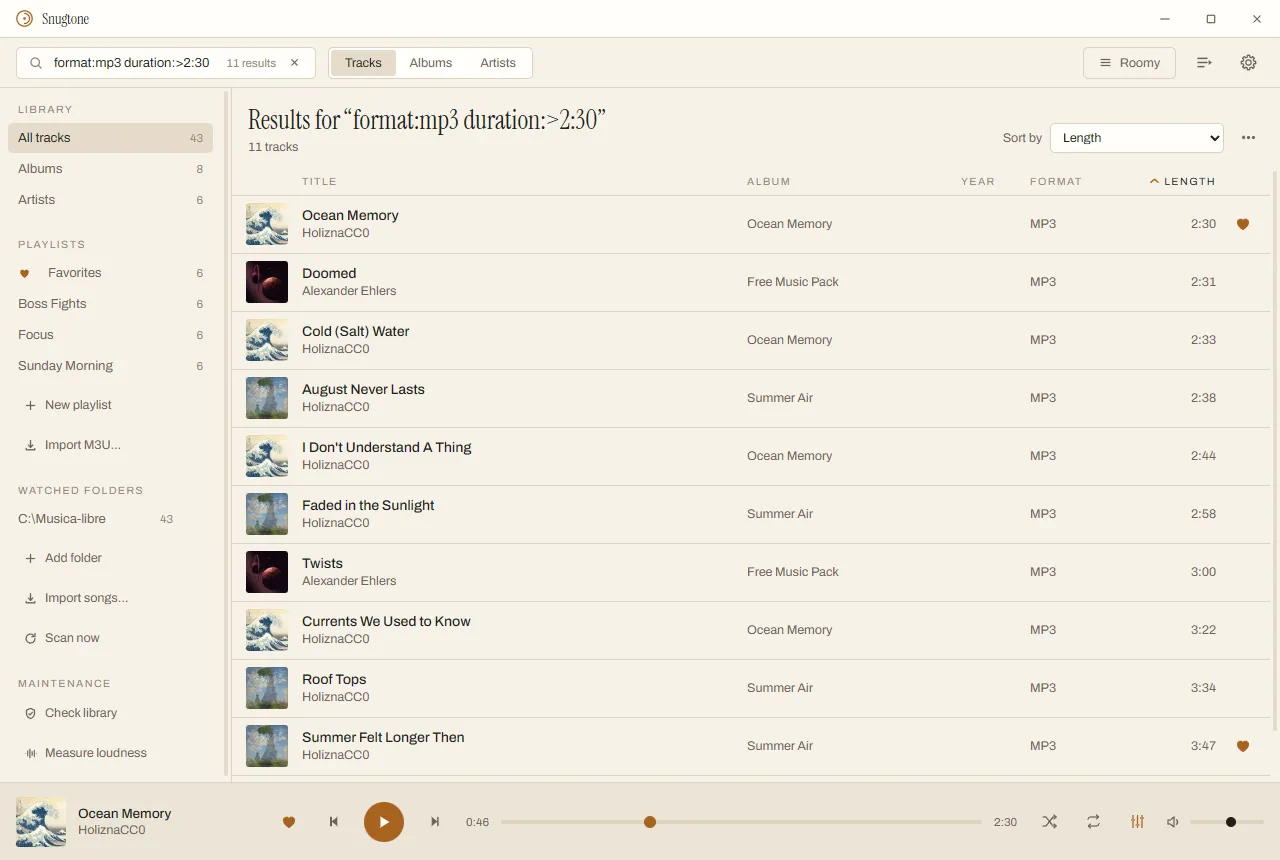
The search box narrows things down, and the filters combine:
bits:24format:flacduration:>3:30year:2016plays:>5artist:…
It fixes things without touching your files
Corrections live in the library. Your files stay as they were.
- Checks your files. FLAC and ALAC carry the MD5 of their audio, so it can prove a file is intact sample by sample. Problems are grouped by album, with a line on what to do.
- Corrects tags in the library, not in the file. Broken names, an album split in two, the wrong cover: fixed and undoable. Writing the change into the file is a separate click, never the default.
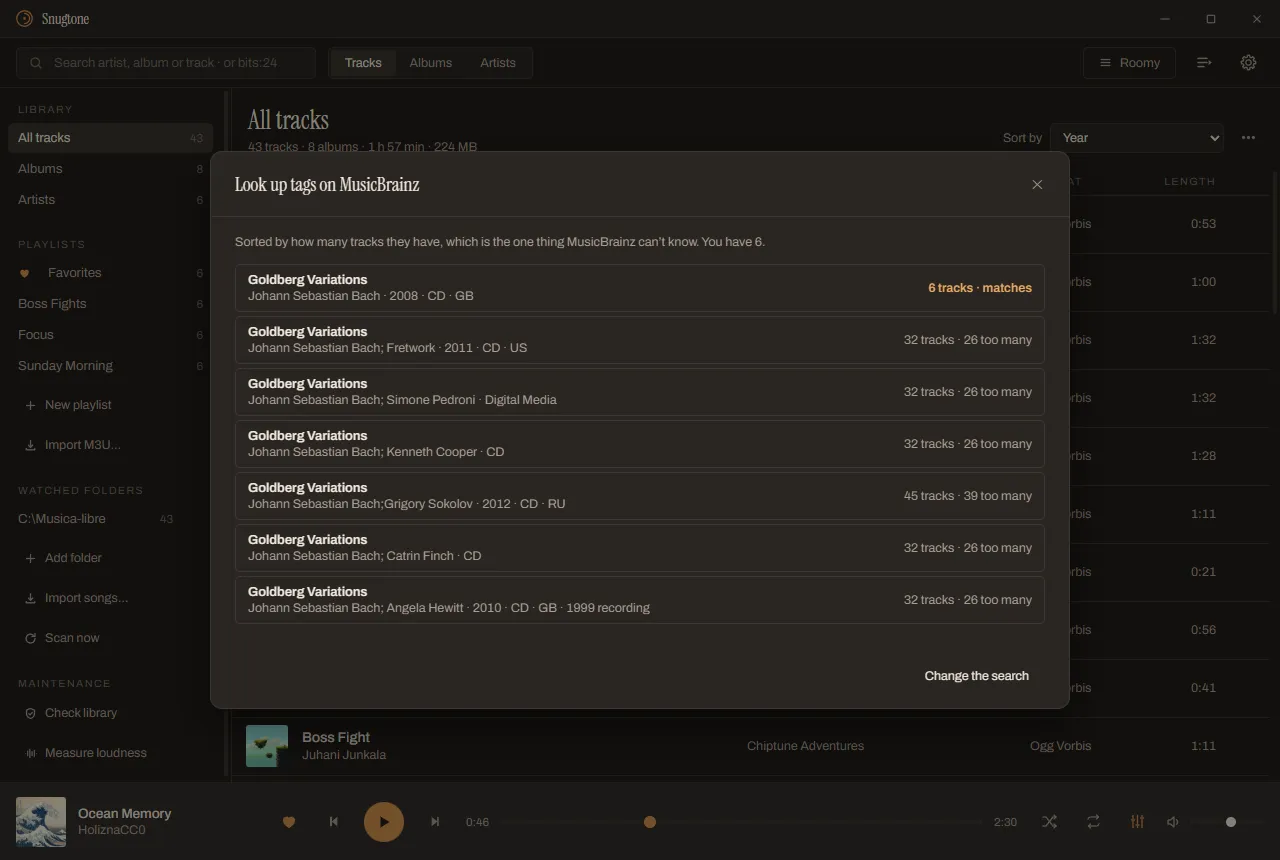
- Brings tags from MusicBrainz. Sorted by how many tracks each release has, and it shows the whole comparison, field by field, before anything changes.
- Finds covers wherever they are. Including the Art subfolder of a scanned album.
It’s yours to set up
Everything is changed from inside, and applies right away.
Theme, density, columns, music folders, audio output and the whole shortcut table live in the settings sheet, with no OK button. Underneath are three plain TOML files you can also edit by hand. The interface is in English and Spanish.
%APPDATA%\app.snugtone.reproductor
ajustes.tomlatajos.tomllayout.tomltemas/
Watch it
Download
Snugtone 1.0.2 for Windows. The installers are on GitHub.
Windows only, for now. The installer isn’t signed: how to install it, step by step.
What’s new
-
1.0.2
Open a file from the Explorer, with a double click or “Open with”: it goes to your library’s Imported folder and plays.
What’s next
A mini player, smart playlists that save a search, shuffle by whole albums, and taskbar buttons.
Open source
Written in Rust with Tauri, under the MIT license. The core is pure Rust and doesn’t know Tauri exists, so it’s tested without opening anything: 616 core tests, plus 40 for the shell. It’s a personal project: issues are welcome, and pull requests get read, but with no promise that they’ll be merged.
- License
- MIT
- Written in
- Rust, with Tauri
The Snugtone name and logo, and the Snug name, are not covered by the MIT license. A fork must use a different name and a different logo.